
Download and install drivers
TIP
Considering to SecureBoot and StableRelease, some devices' DriverPacks(e.g. XiaomiPad5, Xiaomi9) are released by their maintainer, Please read their official installation guide. Here explains a generic way to install drivers from GIT repository.
Preparation
- Download Device Specific Driver Pack
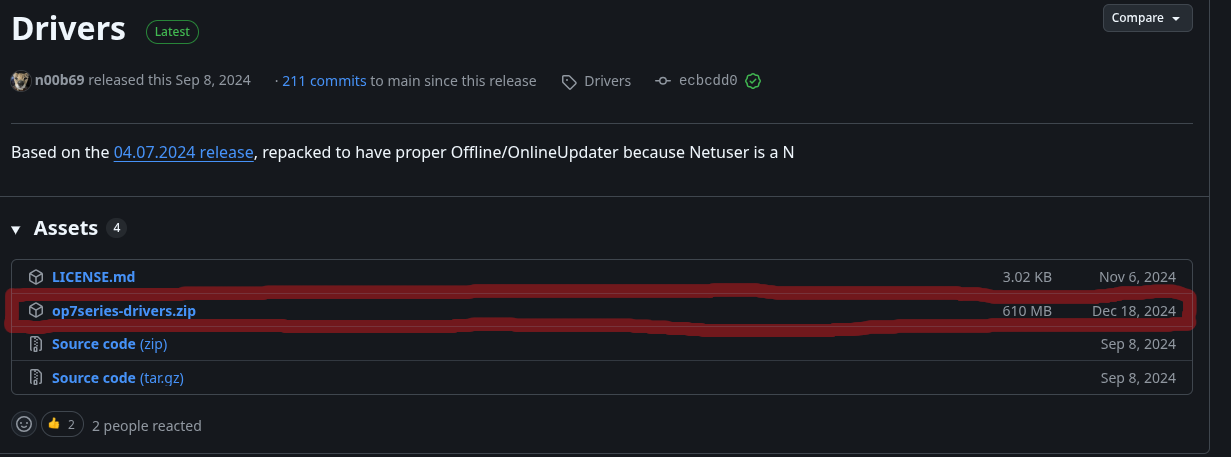
Just click on archive with name like drivers.
| Vendor | Device | CodeName | Drivers |
|---|---|---|---|
| Xiaomi | Mi 9 | cepheus | Driver Pack |
| Xiaomi | K20 Pro | raphael | Driver Pack |
| Xiaomi | Pad 5 | nabu | Driver Pack |
| Xiaomi | POCO X3 PRO | vayu | Driver Pack |
| Xiaomi | Note 9S | miatoll | Driver Pack |
| LG | G8 | alphaplus | Driver Pack |
| LG | G8s | betalm | Driver Pack |
| LG | G8x | mh2lm | Driver Pack |
| LG | V50 | flashlmdd | Driver Pack |
| LG | V50s | mh2lm5g | Driver Pack |
| OnePlus | 7 Pro 4G | guacamole | Driver Pack |
| OnePlus | 7T Pro 4G | hotdog | Driver Pack |
| Samsung | Galaxy Fold | winner | Driver Pack |
Installation
1. Download and Extract the Package
- Download the provided archive and extract its contents into any convenient folder on your PC whose path does not contain Cyrillic characters.
- Make sure the folder structure remains intact after extraction.
2. Run offlineupdater.cmd (Administrator Required)
- Open the extracted folder and locate the script:
text
offlineupdater.cmd- Right‑click it and choose:
text
Run as administratorIf an error shows up, run OfflineUpdaterFix.cmd instead
If it asks you to enter a letter, enter the drive letter of WIN(DEVICE-NAME) (which should be F), then press enter
3. Wait for the Process to Complete
When everything is finished, you will see a confirmation message indicating that all drivers were successfully installed.
Done!
Your device now has all required drivers installed and ready for use.